
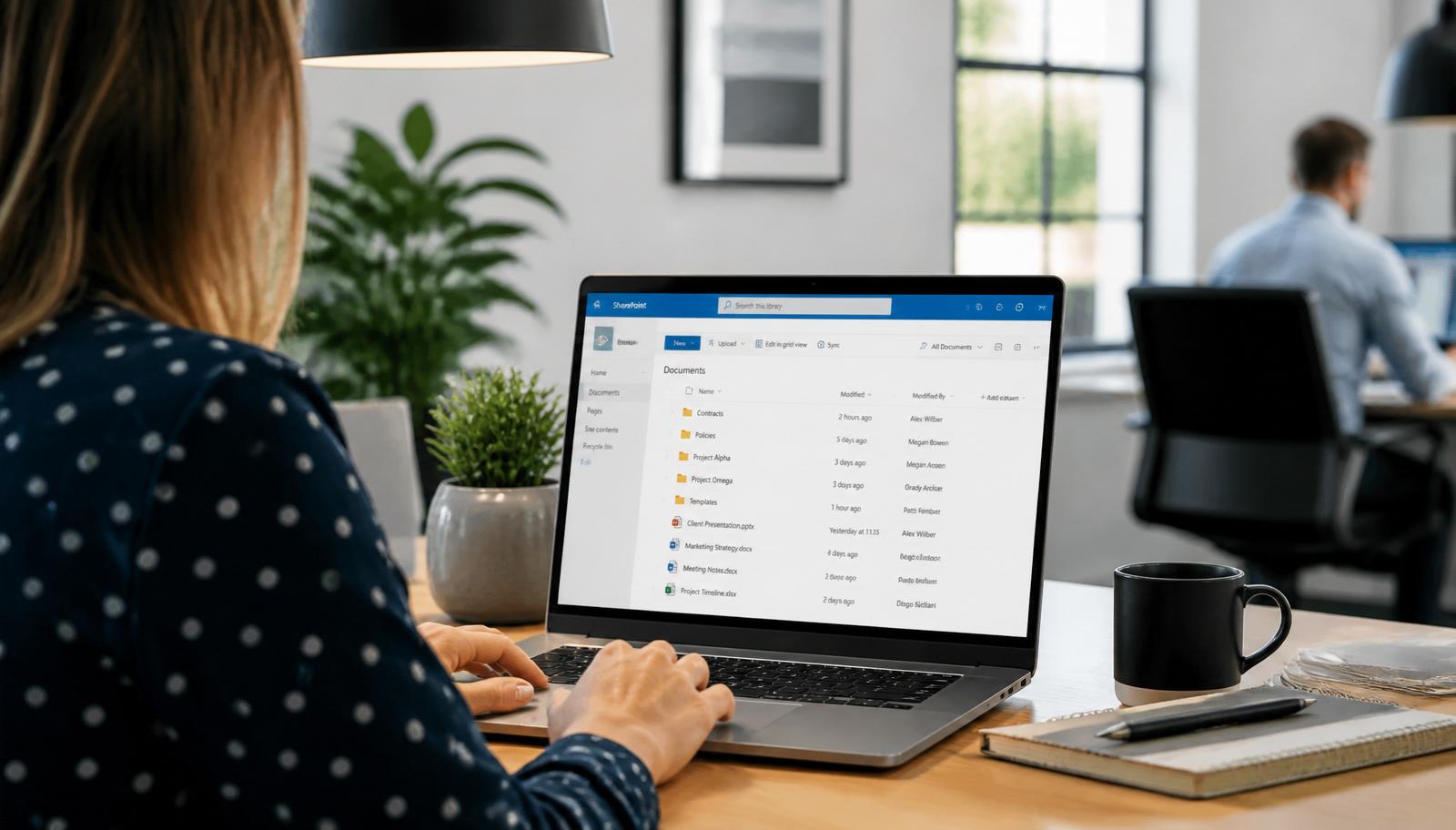
Most small and mid-sized UK businesses have either already moved to Microsoft 365, or they're staring down a migration they've been putting off for years. Usually it's an ageing on-premises server, an old hosted Exchange mailbox, or a mix of Google Workspace and legacy file shares that nobody really trusts anymore.
The move itself isn't complicated on paper. In practice it goes sideways when the discovery is rushed, mailboxes get cutover on a Friday, and nobody thinks about backups, security baselines or what happens to the shared drive full of 15 years of files.
This is how we approach Microsoft 365 migrations for SMEs across the West Midlands, and what to plan for if you're thinking about doing one.
Why businesses move to Microsoft 365
The usual triggers we see:
- The on-premises server is out of warranty and the quote to replace it is uncomfortable.
- Hybrid or remote working exposed how painful the old file share is over VPN.
- A security incident, insurance renewal or Cyber Essentials assessment flagged gaps.
- The current email host keeps having outages and support is slow.
- Leadership wants Teams, SharePoint and proper collaboration, not just email.
Moving to Microsoft 365 doesn't magically fix any of those things on its own. It's the setup, security baseline and adoption around it that make the difference.
The five phases of a Microsoft 365 migration
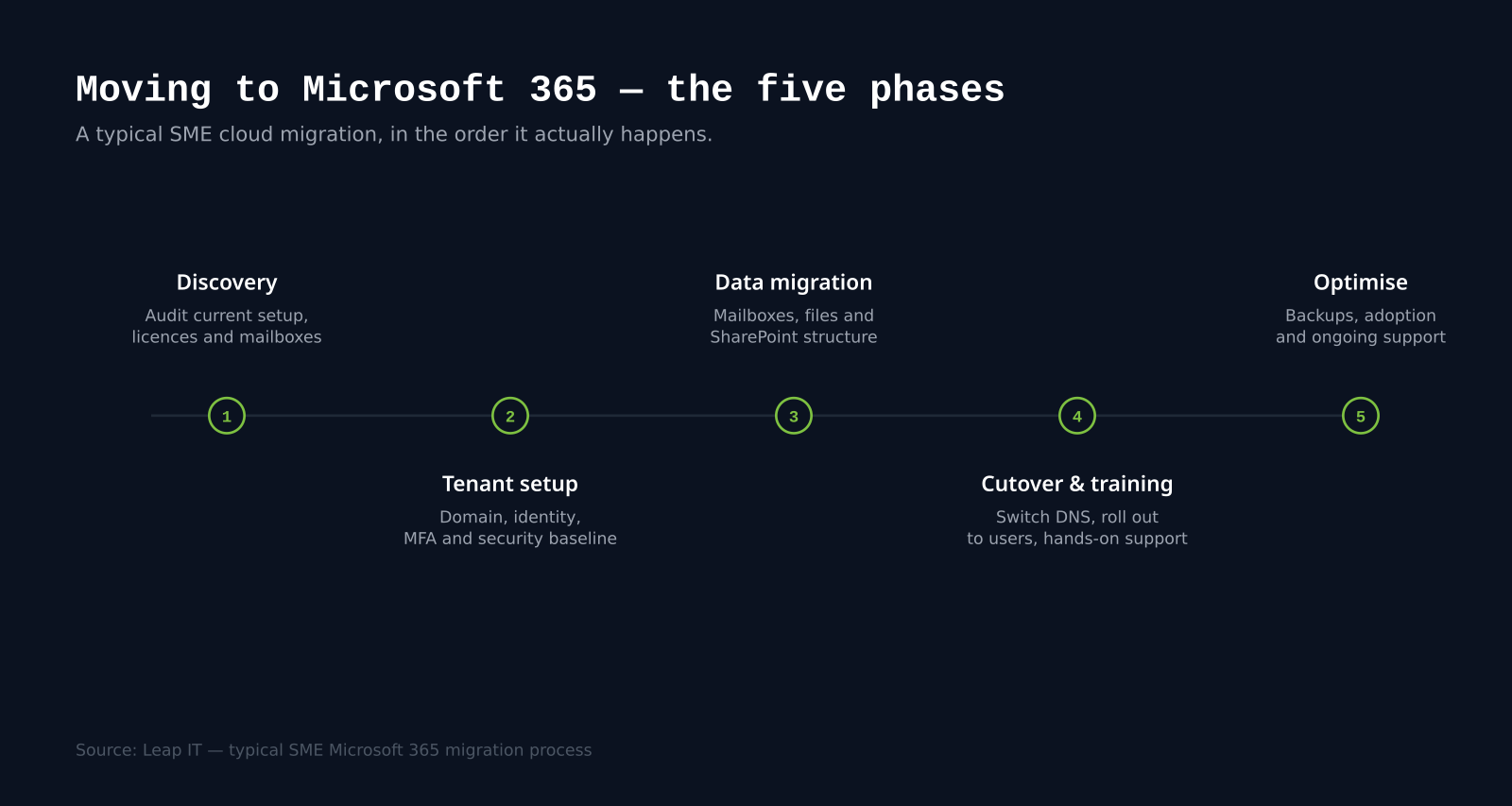
Every migration we run follows the same broad shape. The detail varies with size and complexity, but the phases don't.
1. Discovery
Before anything is touched, we audit what's actually there:
- Mailboxes, mailbox sizes, shared mailboxes and distribution groups.
- File shares, folder structures and how much data is realistically in use.
- Line-of-business apps that send email or store data on the server.
- Domains, DNS and current email routing.
- Devices, operating systems and who uses what.
This is where most rushed migrations come unstuck. Skip discovery and you find out about the accounts system that emails invoices from the old server two days after cutover.
2. Tenant setup
With a clear picture of the environment, the Microsoft 365 tenant gets built properly from the start:
- Correct licence mix for the actual roles in the business, not a blanket top tier.
- Identity and MFA enforced from day one.
- A sensible security baseline: conditional access, safe attachments, anti-phishing, audit logging.
- SharePoint and Teams structure planned around how the business actually works.
Getting the security baseline right at this stage is much cheaper than retrofitting it after go-live.
3. Data migration
This is the phase people picture when they think "migration". It usually splits into:
- Mailboxes, moved in the background using proper migration tools, not PST exports. Users keep working on the old system while mail syncs across.
- Files, the shared drive is restructured (not lifted and shifted verbatim) into SharePoint document libraries that make sense for each team.
- OneDrive, personal data staff currently keep on desktops or in "My Documents" is brought into OneDrive so it's backed up and available anywhere.
Data migration is boring when it goes well. That's the goal.
4. Cutover and training
Once mailboxes are in sync and files are staged, DNS is switched and mail starts flowing into Microsoft 365. On the same day, users get:
- Their Outlook profile reconfigured on desktop and mobile.
- OneDrive and SharePoint set up on their machine.
- A short walkthrough of what's changed and where to find things.
Cutovers are planned around the business, not around the technical team. For most SMEs that means a weekend or an overnight window, with hands-on support the following morning.
5. Optimise
A migration isn't finished when the last mailbox lands. Post-migration we look at:
- Backup, Microsoft doesn't back up your Microsoft 365 data the way most people assume. A proper third-party backup is essential.
- Adoption, Teams and SharePoint only pay off when people actually use them properly.
- Ongoing support, issues, tweaks and small improvements as staff settle in.
This is where clients typically move onto our managed IT support so the environment stays healthy long-term rather than drifting.
What we plan for before day one
A few things save a lot of pain if they're sorted early:
- A clean domain and DNS view. Know exactly who controls the domain and whether TXT and MX records can actually be changed on the day.
- A file share cleanup. Nobody wants to migrate 800GB of duplicates. A little tidying beforehand cuts migration time and cost.
- A licence review. Not every user needs the top-tier licence. Frontline and shared users often need something smaller.
- A device check. Old Windows machines that can't run modern Outlook or Teams properly will bottleneck the rollout.
- A plan for line-of-business apps. Anything that authenticates against the old server or sends email through it needs a migration path.
Common Microsoft 365 migration mistakes
The patterns we see most often when we're called in to fix someone else's migration:
- No MFA. The tenant was stood up in a hurry and multi-factor authentication was never enforced.
- Global admin sprawl. Half the IT team has global admin, with no conditional access or privileged access management.
- Files dumped into SharePoint as-is. The old messy shared drive is now a messy SharePoint site nobody trusts.
- No backup. The assumption that Microsoft handles it. They don't, not in the way you need.
- No training. Users get a new mailbox and are left to work out Teams, OneDrive and SharePoint on their own.
Each one is fixable. They're all easier to avoid than to unpick.
What it costs
Microsoft 365 migration costs vary a lot depending on user count, mailbox and file volumes, how many line-of-business apps are in scope and how much cleanup is needed up front. There isn't a meaningful average price to quote publicly, the honest number depends entirely on your environment.
We scope every migration properly before quoting. If you'd like a like-for-like number for your setup, get in touch and we'll walk through it.
How we run Microsoft 365 migrations at LeapIT
We follow the same four-step process we use for every project:
- Planning and Strategy, full discovery of your current environment and what you actually need Microsoft 365 to do.
- Customised IT Plan, a written migration plan covering licences, security, data, cutover and training.
- Seamless Implementation, the migration itself, run in the background where possible and cut over with minimal downtime.
- Ongoing Support, post-migration optimisation, backup, adoption and day-to-day support.
As a Microsoft partner supporting SMEs across Birmingham, Solihull and the wider West Midlands, we've migrated businesses from every combination of legacy setup you can imagine. If you're thinking about a move, book a scoping call and we'll take it from there.
Once users are on Outlook in Microsoft 365, one of the first things they ask is how to recall an email in Outlook, worth covering in your user comms.
